Back to DirectoryInVideo AI
Content Creation

InVideo AI

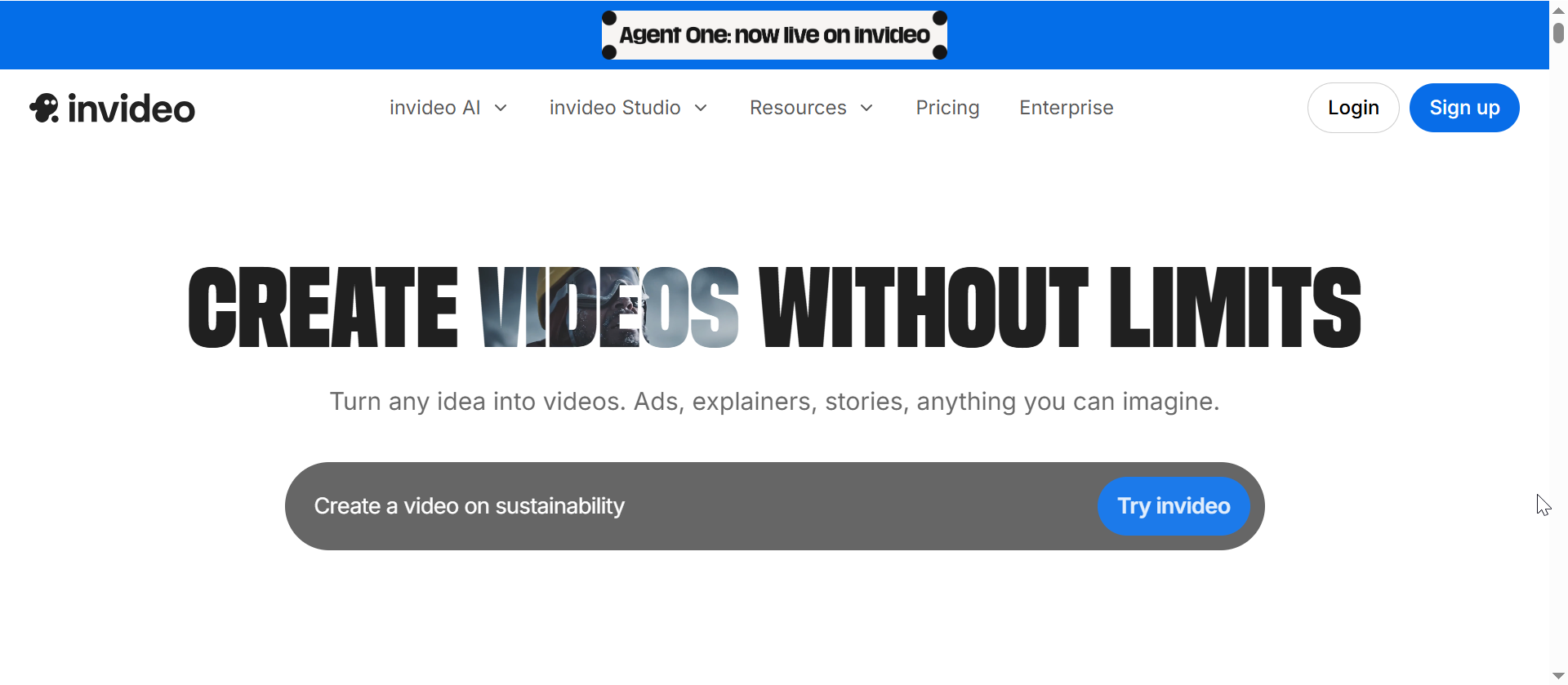
InVideo AI has moved beyond simple prompt-to-video generation into an Agent One workflow for building custom AI video agents. B2B marketing teams, agencies, creative directors, and established creators can use it to brief a video project once, define creative context, visual language, brand rules, pacing, audience, and references, then let the system carry that context across future generations. It can still generate scripts, scenes, voiceovers, music, subtitles, product demos, UGC-style ads, and social videos, but the stronger premium use case is now repeatable creative production: ad campaigns, product launch films, branded social series, explainers, and larger storytelling workflows where consistency matters more than one-off speed.

Key Features

Agent One workflow: Build custom AI video agents for roles such as scriptwriter, video editor, cinematographer, sound designer, music designer, and colorist.
Persistent creative context: Teach the project goals, audience, visual language, brand rules, pacing, references, and review standards so generations stay more consistent.
Prompt-to-video generation: Turn campaign briefs, product ideas, and marketing angles into ready-to-edit video drafts.
AI ad and UGC workflows: Create product ads, testimonial-style videos, demos, product films, and social creatives with AI actors or avatars.
Product link to video: Generate product-focused videos from URLs or product details for ecommerce, SaaS, and B2B offers.
Voiceovers, music, and subtitles: Add narrated scripts, background music, captions, and multilingual assets inside the same workflow.
Premium creative testing: Produce multiple video variations for paid ads, launch campaigns, brand films, social series, and client work.
Editable outputs: Refine generated videos with text instructions or manual edits instead of rebuilding from scratch.
Expert Recommendation

Use InVideo AI when your main goal is to create new video assets from prompts, campaign briefs, creative references, and reusable brand context. Agent One is especially relevant when the team needs more than a quick one-off clip: ad campaigns, product launch videos, brand films, social series, explainers, and agency client work where visual consistency and creative direction need to compound over time.

If your main workflow is repurposing existing webinars, podcasts, or long-form videos into short clips, Quso is usually the better fit. If your priority is product URL-to-UGC ad variation for paid acquisition, compare InVideo with Creatify AI. For broader AI video production with custom agents and project memory, InVideo is the strongest first page to optimize in this cluster.

Ready to evaluate?

Review InVideo AI, compare the fit, and decide whether it belongs in your workflow.

Try InVideo Agent One

Disclosure: Some links on this page are affiliate links. We may earn a commission if you sign up, at no extra cost to you.

Frequently Asked Questions

What is InVideo Agent One best for?
InVideo Agent One is best for power users and creative teams that need repeatable AI video production: campaign videos, product launch films, brand stories, social series, explainers, and higher-end creative workflows. It is a better fit when the team wants to define creative context once and reuse it across multiple generations.
Can InVideo AI remember brand and project context?
Yes. InVideo's Agent One workflow includes a Context area where teams can define the project goal, audience, tone, visual language, brand rules, references, and review agents. This helps the system keep future generations closer to the same creative direction instead of treating every prompt as an isolated task.
Can InVideo AI create video ads from text prompts?
Yes. InVideo AI can generate video ads from text prompts, campaign briefs, product ideas, and creative references by helping with scripts, scenes, voiceovers, music, subtitles, and visual direction. Agent One makes this more useful for teams that want ads to stay closer to a consistent brand or campaign world.
Can InVideo AI make UGC-style product videos?
Yes. InVideo supports UGC-style ad workflows with AI actors or avatars, product demos, scripts, captions, and product-focused creative assets. This can help teams produce ad variations without hiring a studio or filming every concept manually.
How is InVideo AI different from Quso or Creatify AI?
InVideo AI is strongest for generating new videos from prompts, campaign briefs, creative references, and reusable project context. Quso is better when you already have long-form videos and want to repurpose them into short clips. Creatify AI is more focused on URL-to-video ad generation and UGC-style ad variations for performance marketing.
Can B2B teams use InVideo AI for commercial campaigns?
InVideo AI is designed for marketing use cases such as ads, social videos, product promos, and explainers. Before running paid campaigns at scale, teams should still review the licensing terms, stock media rules, and plan limits that apply to their account.
B2B AI Stack Notes

Get weekly practical AI tool comparisons.

One useful email for B2B teams: new comparisons, tool picks, workflow ideas, and cautions to check before buying.

One email per weekNo cold email listsUnsubscribe anytime

Loading the secure beehiiv signup form.