Back to DirectoryMake
Operations

Make

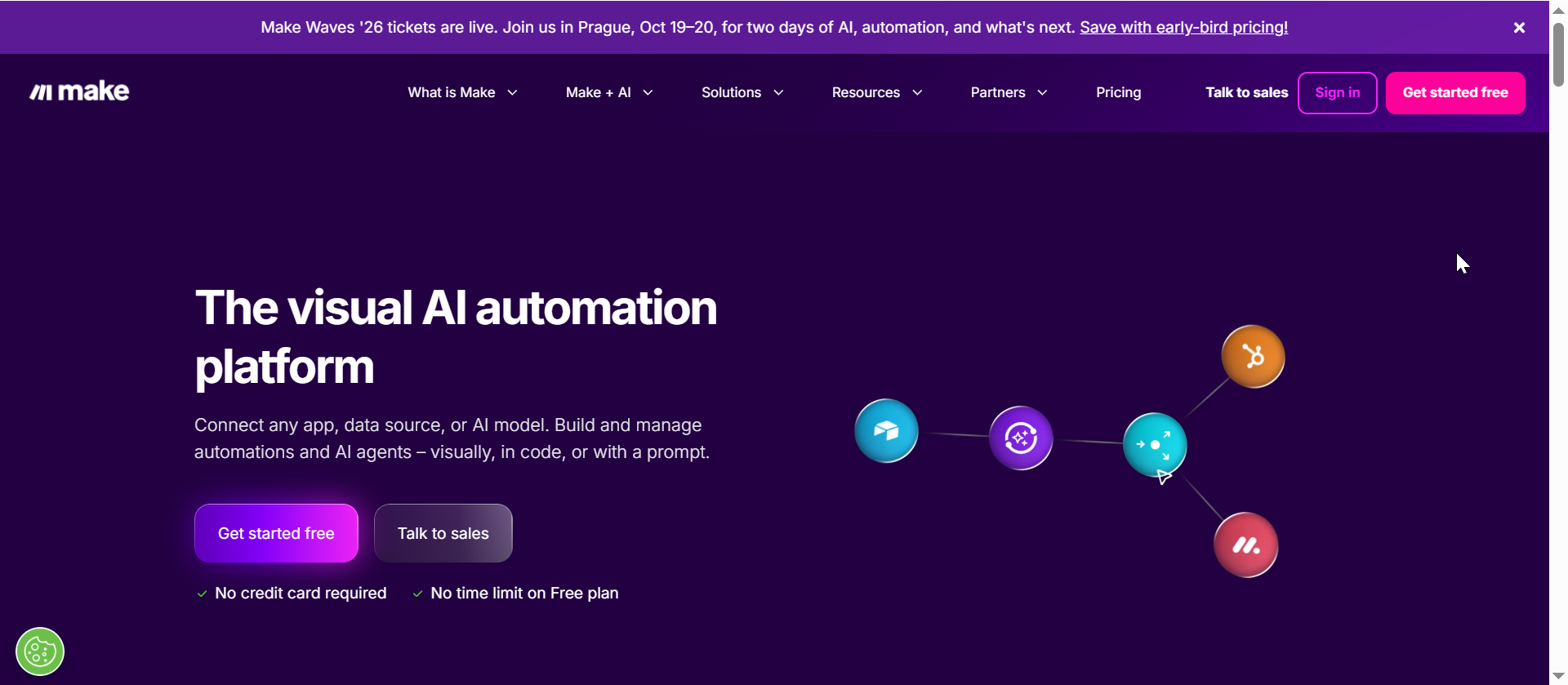
Make is a visual automation platform for building workflows across apps, data, APIs, and AI tools. B2B teams can use Make to connect CRMs, spreadsheets, forms, support tools, marketing platforms, finance systems, and AI apps into multi-step scenarios with triggers, actions, routers, filters, webhooks, HTTP modules, and error handling. It is especially useful for operations, marketing, sales, customer support, finance, and technical teams that need more control than simple one-step automations while still working in a no-code visual builder.

Key Features

Visual scenario builder: Design multi-step automations with triggers, actions, routers, filters, and branching logic.
3,000+ app integrations: Connect CRMs, spreadsheets, messaging tools, databases, marketing apps, support tools, and AI products.
AI workflow automation: Add LLMs, AI agents, content generation, classification, summarization, and enrichment steps into business workflows.
Webhooks and HTTP modules: Receive events, send data, and connect custom APIs or internal systems beyond pre-built app modules.
Data transformation and routing: Map fields, transform payloads, route records, handle errors, and keep systems synchronized.
Team operations workflows: Automate lead routing, CRM updates, reporting, content operations, support handoffs, finance tasks, and internal approvals.
Expert Recommendation

Use Make when you need visual control over multi-step workflows, branching logic, webhooks, API calls, and AI automation across many business systems. It is strongest for operations automation, AI workflow orchestration, lead routing, CRM updates, reporting, support handoffs, content workflows, and custom integrations that go beyond a simple one-app-to-one-app trigger.

If your main need is a simple automation with minimal setup, Zapier may be easier for some teams. If you need deeper visual logic, webhooks, HTTP modules, routers, and more customizable workflow structure, Make is usually the better page to optimize.

Ready to evaluate?

Review Make, compare the fit, and decide whether it belongs in your workflow.

Start Automating for Free

Disclosure: Some links on this page are affiliate links. We may earn a commission if you sign up, at no extra cost to you.

Frequently Asked Questions

What is Make best for?
Make is best for building visual automations across apps, APIs, webhooks, and AI tools. It is a strong fit for B2B teams that need multi-step workflows, branching logic, data routing, CRM updates, reporting, support handoffs, and internal operations automations.
Can Make automate AI workflows?
Yes. Make can connect AI apps and LLM tools into visual workflows for tasks such as content generation, classification, summarization, enrichment, routing, and agentic automation. Teams should still review AI outputs before using them in customer-facing or high-stakes workflows.
Does Make support webhooks and custom APIs?
Yes. Make supports webhooks and HTTP modules, which makes it useful for connecting tools that are not covered by a standard integration. Teams can receive events, send requests, transform payloads, and move data between custom systems.
Do I need to code to use Make?
No. Make is designed around a visual no-code scenario builder. Technical users can still use advanced features such as webhooks, HTTP requests, JSON mapping, filters, routers, and error handling for more complex workflows.
How is Make different from Zapier?
Make is often chosen when teams want more visual control over workflow logic, branching, data mapping, webhooks, and custom API steps. Zapier can be simpler for straightforward automations, while Make is stronger for teams that want to design and inspect more complex scenarios visually.
B2B AI Stack Notes

Get weekly practical AI tool comparisons.

One useful email for B2B teams: new comparisons, tool picks, workflow ideas, and cautions to check before buying.

One email per weekNo cold email listsUnsubscribe anytime

Loading the secure beehiiv signup form.